How do I hide a model from my home page and manage hidden models?
You can hide a model from your homepage by:
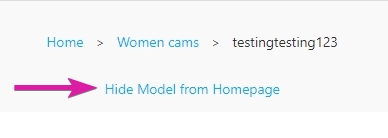
- Navigating to the models room and scroll down to "Hide model from homepage"
- Tap "Hide model from homepage" and they will no longer appear on your homepage or in searches
To manage your hidden models:
- Navigate to Settings > Settings & Privacy
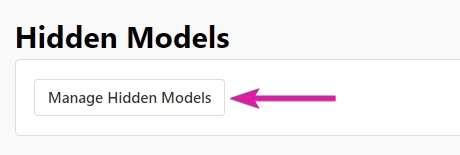
- Tap "Manage Hidden Models"
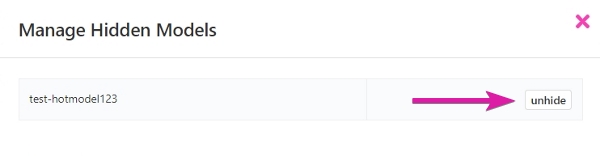
- Locate the model you wish to unhide, and tap "Unhide"